Jintaijin: Expert Solutions for Vibratory Finishing Success
May 05, 2023
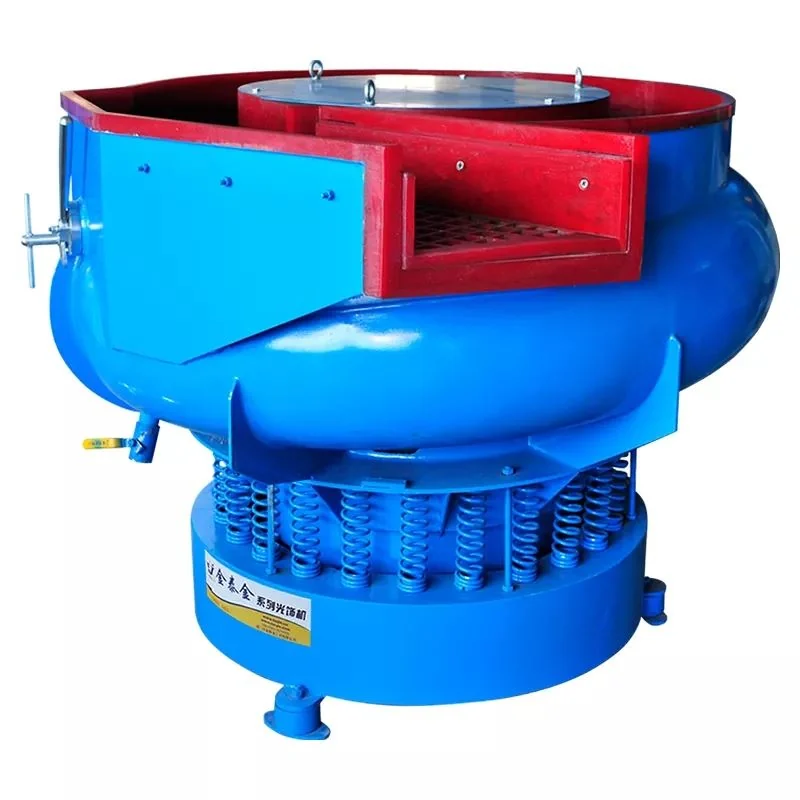
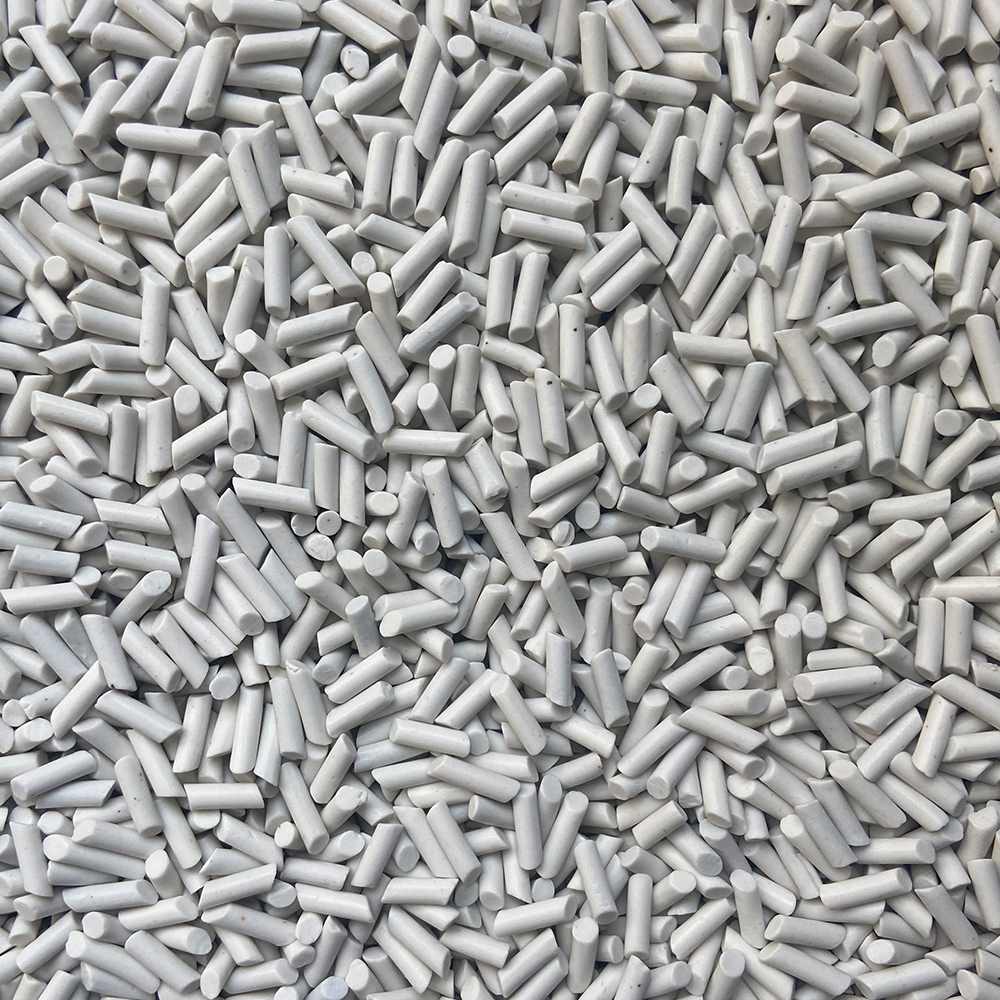
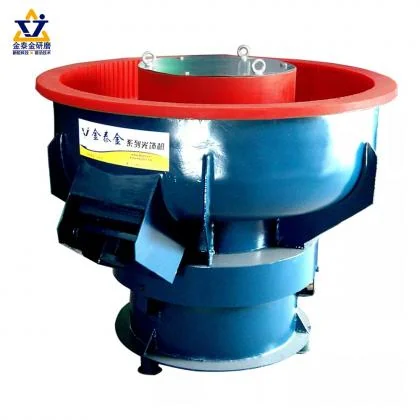
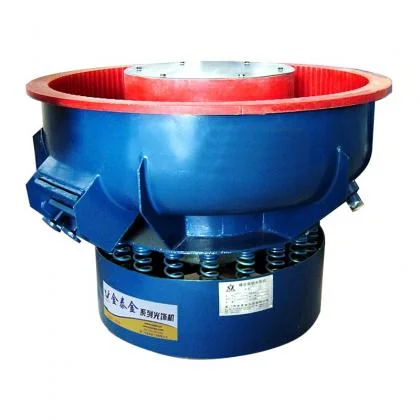
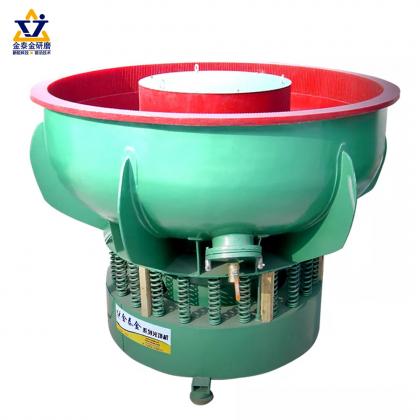
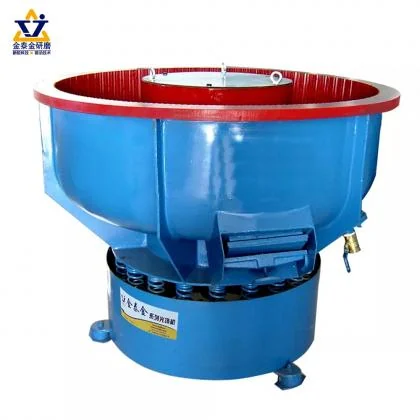
In-Depth Guide to Vibratory Finishing: Techniques and Innovations by Jintaijin Introduction As an experienced expert in vibratory finishing and a dedicated member of the Jintaijin team, I am thrilled to share a detailed guide on the latest advancements, techniques, and applications in the vibratory finishing field. Jintaijin is a leading company in the vibratory finishing industry, devoted to delivering cutting-edge solutions, state-of-the-art equipment, and outstanding customer service. This comprehensive guide will provide a deeper understanding of the innovative aspects of vibratory finishing, discussing process optimization, equipment enhancements, and various applications to help professionals achieve exceptional finishing results. Vibratory Finishing Applications Vibratory finishing is a versatile process used across a wide range of industries and applications, including: Aerospace and Automotive: Producing smooth surfaces and reducing friction for engine components, gears, and fasteners, improving performance, and extending the life of critical parts. Medical and Dental: Enhancing the finish of surgical instruments, implants, and prosthetics for improved patient comfort, easier sterilization, and better overall performance. Electronics: Removing burrs and improving surface finishes for electronic components, circuit boards, and connectors, ensuring better conductivity and overall performance. Jewelry and Watchmaking: Polishing precious metals, gemstones, and intricate watch components to achieve an attractive, high-quality finish. General Manufacturing: Addressing a wide array of deburring, edge radiusing, surface refinement, and polishing needs in various industries, improving product appearance and functionality. Advanced Techniques and Technologies Jintaijin is committed to staying at the forefront of emerging trends and technologies in the vibratory finishing industry. Some of the latest innovations and techniques include: High-Energy Finishing: Employing centrifugal force and high-speed rotation to achieve faster processing times, increased efficiency, and more aggressive material removal compared to traditional vibratory finishing. Precision Surface Finishing: Using advanced media materials, shapes, and sizes, along with process control methods, to achieve ultra-precise finishes and tight tolerances, essential for high-tech industries and applications. Dry Vibratory Finishing: Utilizing a specially formulated dry media and minimal liquid compounds to reduce waste, lower disposal costs, and achieve specific surface finishes not achievable with wet processes. Automated Process Control: Integrating sensors, software, and control systems to monitor and adjust process parameters in real-time, ensuring consistent, high-quality results while reducing labor costs and human error. Equipment Enhancements and Customization Jintaijin understands the importance of having the right equipment for your specific applicatio...
View More


 IPv6 network supported



 +86-592-2381506