
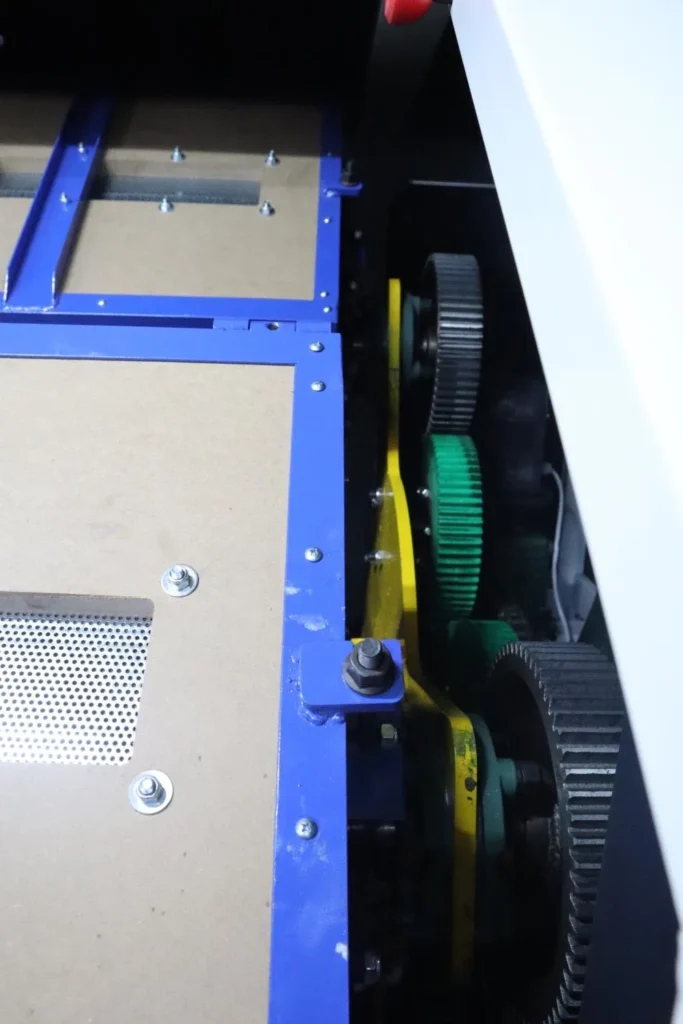
Equipment Troubleshooting Guide
Polishing Machine Troubleshooting: Vibration, Noise, Overheating, Drainage, and Wear
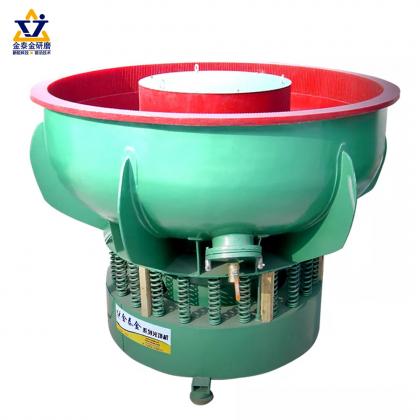
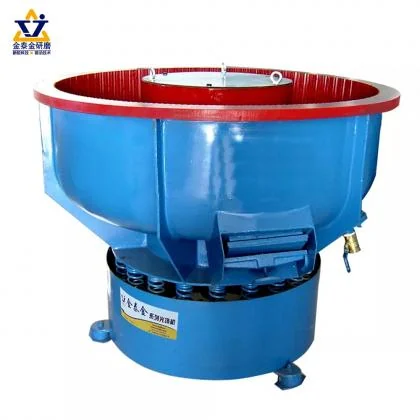
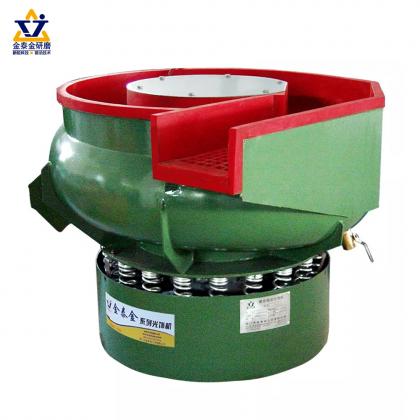
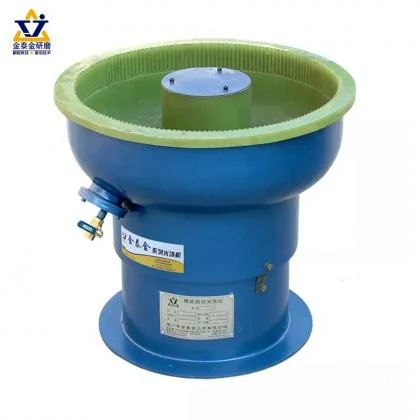
When a mass finishing machine changes sound, movement, temperature, or flow, adjusting the polishing recipe first can hide the real fault. This guide separates machine problems from process problems and gives operators a practical inspection sequence for vibratory, barrel, and centrifugal equipment.
A polishing machine rarely fails without warning. A new rattle, slower media circulation, rising motor current, poor drainage, or uneven separation often appears before a complete stop. The safest and fastest response is to record what changed, stop the machine when required, and inspect the mechanical and process systems in a fixed order.
First decide: machine fault or process fault?
A machine fault changes the equipment itself: its sound, movement, temperature, current, fluid flow, or ability to start and stop. A process fault mainly changes the parts: scratches, dents, residue, poor brightness, edge rounding, or an inconsistent finish. The two can be connected, but they should not be diagnosed as if they were the same problem.
If the machine runs normally but parts show scratches, residue, impact marks, or uneven results, use our separate vibratory finishing defect troubleshooting guide. If the machine itself sounds, moves, drains, separates, or heats differently, continue with the equipment checks below.
| Observed symptom | Check first | Possible direction |
|---|---|---|
| Machine moves or vibration becomes stronger | Anchors, feet, springs, load distribution | Loose mounting, damaged spring, uneven or excessive load |
| New rattling, knocking, or grinding sound | Loose hardware, screen, cover, drive and bearings | Contact between parts, worn drive component, bearing damage |
| Motor or drive temperature rises | Load, ventilation, current, belt tension, lubrication | Overload, restricted cooling, incorrect tension, friction |
| Weak or irregular media flow | Load ratio, springs, drive settings, liner condition | Incorrect load, changed amplitude, worn support or liner |
| Slow drainage or excess foam | Drain screen, port, hose, water and compound feed | Blockage, kinked hose, excessive compound, contaminated bath |
| Parts do not separate reliably | Screen opening, wear, gate and media size | Wrong size relationship, damaged screen, unstable flow |
A repeatable diagnostic sequence
- Record the change. Note the time, product, media, load weight or volume, compound setting, cycle stage, sound, motor current, temperature, and any alarm. A short video can help a supplier compare motion and noise.
- Compare with the last known good run. Ask what changed: parts, media batch, load, water supply, recipe, operator, maintenance work, or ambient conditions.
- Stop and isolate before inspection. Look for loose fasteners, cracked springs, shifted feet, blocked screens, leaking hoses, damaged liner, debris near the drive, and signs of rubbing.
- Correct one variable at a time. Multiple simultaneous adjustments make it impossible to identify the cause and can introduce a second fault.
- Run a controlled confirmation batch. Use a known part and recipe. Only perform no-load or special test runs when the manufacturer specifically allows them.
1. Excessive vibration or machine movement
Do not assume that stronger movement means faster finishing. On a vibratory finishing machine, motion depends on the drive setting, spring system, bowl or tub, load distribution, and installation. A loose anchor, damaged spring, shifted foot, uneven media load, or incorrect drive adjustment can change the motion pattern.
With the machine isolated, inspect the foundation, anchors, feet, spring condition, fasteners, and any visible contact marks. Confirm that parts, media, and liquid are distributed as expected. If a spring, weight setting, or motor position must be changed, use the manufacturer's procedure; an incorrect adjustment can increase stress rather than solve the problem.
2. New rattling, knocking, or grinding noise
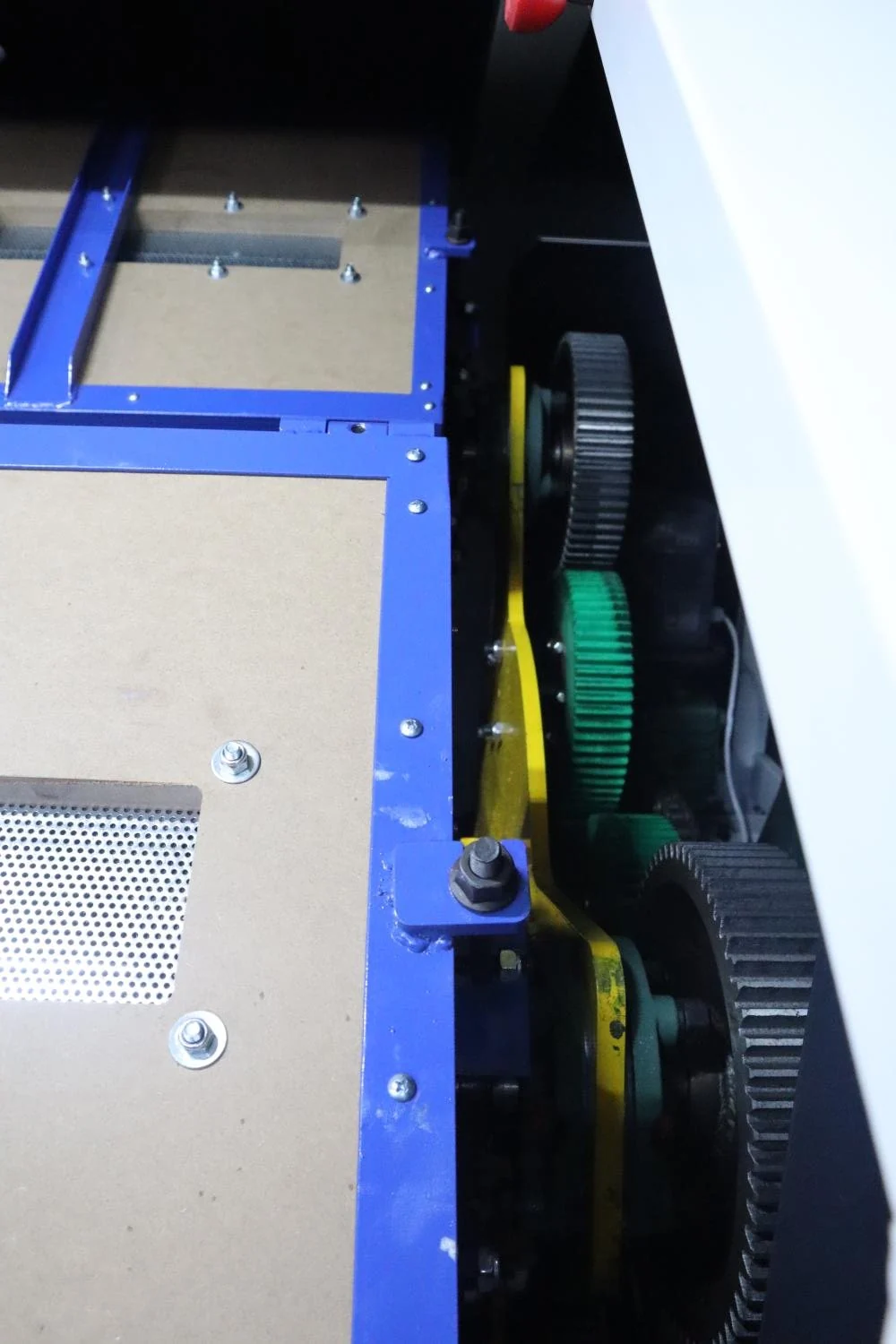
Noise is most useful when compared with the machine's normal sound. A light rattle may come from a loose cover, screen, clamp, fastener, or external pipe. A repeating knock can indicate contact once per rotation. A rough grinding sound may point toward a bearing, gear, belt, chain, or other drive component.
Stop the machine promptly if the noise is sudden, severe, or accompanied by heat, smoke, odor, unstable motion, or metal debris. Do not keep running the equipment merely to locate the sound. After isolation, inspect accessible guards, covers, screens, fasteners, couplings, belts, chains, and lubrication points. Bearing or drive repairs should follow the supplier's service instructions.
3. Motor, bearing, or drive overheating
Temperature must be evaluated against the machine's documented normal range, not by touch alone. A rising trend can result from excess load, a jammed mechanism, restricted ventilation, incorrect belt tension, misalignment, lubrication problems, frequent starts, low supply voltage, or a failing bearing. In wet systems, a blocked drain can also increase load by retaining too much liquid.
Record motor current and temperature under a known recipe, then compare them with earlier runs and the nameplate or manual limits. Clean ventilation paths, verify the permitted load, inspect the drive, and confirm that fluid can leave the work chamber. If current or temperature remains abnormal, stop production and ask a qualified technician to test the electrical and mechanical systems.
4. Weak circulation or longer cycle time
Slow media movement does not always mean the motor is weak. Common causes include too many parts, too little media, an unsuitable media shape, excess liquid, a worn liner, changed drive settings, spring deterioration, or parts bridging inside the chamber. First restore the last known good load and recipe. Then observe whether the mass moves uniformly through the intended path.
Check the condition and size mix of the finishing media. Media becomes smaller and changes shape as it wears, which can alter circulation and separation. Do not compensate for a mechanical problem by continuously extending cycle time; this can increase edge rounding, media wear, and production cost.
5. Poor drainage, foam, or leaking
For wet finishing, inspect the drain screen, port, hose routing, pump or dosing line, and the actual water-to-compound setting. Fine debris can restrict screens, a hose can kink, and excessive finishing compound can create foam or leave difficult residue. Clean the system with a method compatible with the liner and chemistry; do not use an aggressive cleaner without confirming compatibility.
A leak from a hose or fitting is different from liquid appearing through the bowl or tub lining. Moisture beneath a lined work chamber can indicate liner damage and should be investigated before continued use. Protect electrical components and never wash down equipment unless its enclosure and manual permit it.
6. Separation screen or discharge problems
Unreliable separation can come from worn or blocked screens, incorrect gate position, unstable media flow, and a poor size relationship between the parts and media. Inspect for broken screen sections and trapped parts. If media enters holes, slots, or threads, solve the geometry problem rather than relying only on a finer screen.
For mixed small components, the screen opening should retain the media while passing or retaining the intended part consistently. Test with actual worn media, not only new media. Our guide to separating small parts from tumbling media explains the size-control side of this problem.
7. Liner, barrel, and chamber wear
Inspect polyurethane or rubber liners for thinning, cuts, separation, hardening, exposed metal, and wear concentrated in one area. Also inspect barrel lids, seals, clamps, hinges, and locking systems. A small liner defect can grow quickly when abrasive media reaches the substrate.
Barrel finishing machines require attention to lid sealing, shaft support, rollers, belts or chains, and barrel alignment. Centrifugal disc machines also need inspection of the working gap and related wear parts according to the model manual. The same symptom can have a different cause on each machine type.
Preventive maintenance that supports stable finishing
- Before each shift: check guards, emergency stops, leaks, unusual noise, drain flow, and visible fasteners.
- At a defined production interval: record current, temperature, media level, cycle time, compound usage, and screen condition.
- At the manual's service interval: inspect lubrication points, springs, anchors, belts, chains, couplings, bearings, seals, liner thickness, and electrical connections.
- After maintenance: document replaced parts and verify the machine with a known recipe before returning it to normal production.
- Keep media and compound changes in the same log so process changes are not mistaken for machine deterioration.
Consistent maintenance is especially important for visible consumer components. In eyewear manufacturing, for example, brands such as Jingseyewear depend on repeatable component appearance and fit; unstable equipment can show up downstream as inconsistent gloss, edge condition, or assembly quality.
What to send the equipment supplier
A supplier can diagnose faster when the report includes the machine model and serial number, operating hours, part and media load, wet or dry recipe, motor current, temperature trend, alarm code, photos of the work chamber and drive area, a short video of the abnormal motion or sound, and a list of recent maintenance or setting changes. Avoid opening protected assemblies before the supplier confirms the procedure.
Frequently asked questions
Can I increase vibration to shorten the cycle?
Only within the approved range for the machine and process. More motion can increase part impact, wear, heat, and equipment stress. Fix weak circulation or an incorrect load before changing the drive setting.
Why does the machine run normally when empty but poorly when loaded?
The loaded system may exceed the permitted capacity, distribute weight unevenly, bridge inside the chamber, retain too much liquid, or reveal a weak drive or support component. Do not run empty unless the manufacturer permits it; compare controlled loaded runs instead.
When should production stop immediately?
Stop for severe new noise, smoke, burning odor, electrical arcing, uncontrolled movement, a failed guard or interlock, exposed wiring, a major leak near electrical components, rapid temperature rise, visible structural damage, or any condition outside the manual's safe limits.
Need help diagnosing a polishing machine?
Send the machine model, symptom, load details, current recipe, maintenance history, photos, and a short operating video. We can help separate an equipment issue from a media, compound, or process issue.
Contact SurfacePolishFrequently asked questions
Why is my vibratory finishing machine not cutting as fast as it used to?
The most common cause is worn media. Media loses size and cutting edges over time, so the same cycle produces less work. Check media size against the original specification and replace or top up before changing any machine setting.
What causes uneven finishing across a batch?
Uneven results usually come from loading, not from the machine. Parts that sit in a corner, nest together or shield each other never see the same media contact as the rest. Reducing the load and improving distribution across the chamber normally fixes it.
Why does the machine vibrate or make more noise than before?
A change in vibration or noise usually points to a mechanical cause: worn motor mounts, an out-of-balance media charge, loose fasteners or a changed media-to-part ratio. Check the mechanical items before adjusting process parameters.
Why does the bowl drain slowly or leave residue?
Slow drainage is normally a compound or screen issue rather than a machine fault. Check compound concentration, whether fines are blocking the screen, and whether the rinse stage is separate from the finishing stage.
How often should media and compound be checked?
Media condition should be inspected at a regular interval rather than only when results change, because media wears gradually and the decline is easy to miss. Compound concentration and water clarity are worth checking at the same time.
Answers are directions to test on a sample part, not validated results for a specific component.
 +86-592-2381506

 IPv6 network supported